Build a REAL House Controls & Inputs
Every binding that matters — tools, notebook, inspect, handprint — with timing tips for cleaner builds.
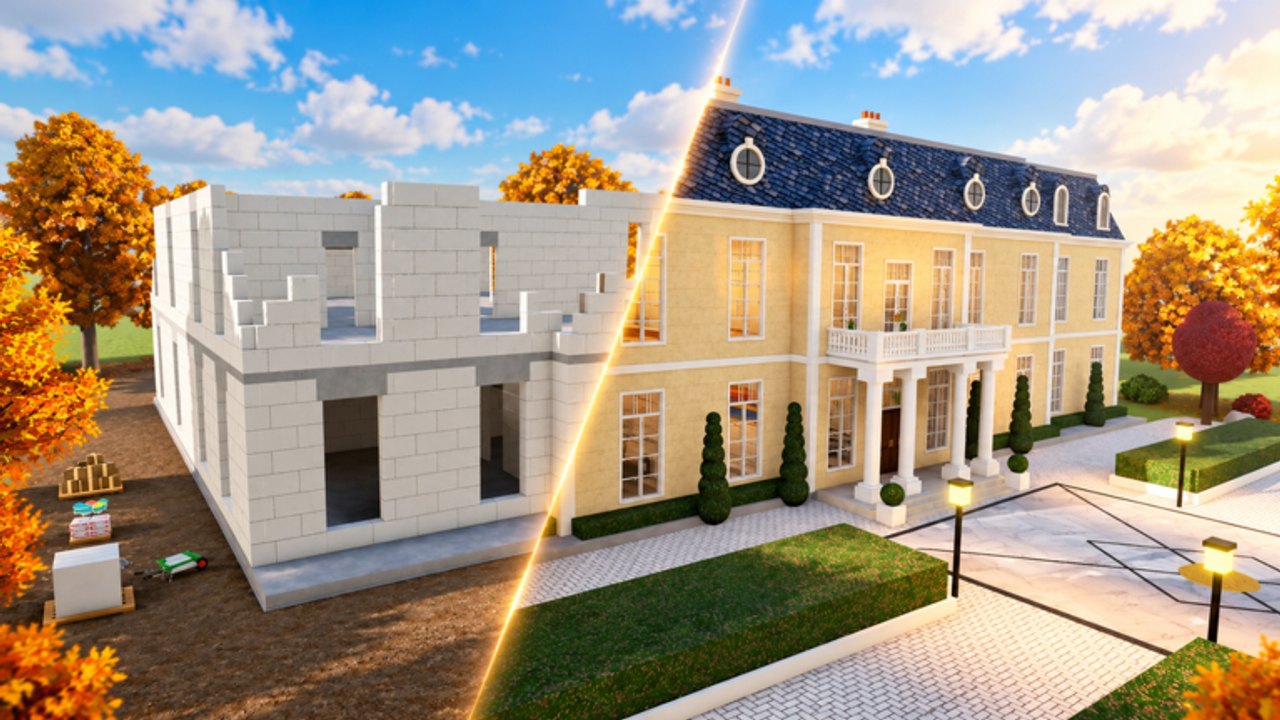
Mastering Build a REAL House starts with four bindings and one habit: use the right tool for the current stage, and hold long enough for the animation to count. This page is the controls reference for PC and mobile, plus practical timing notes that save redo work on House through Estate.
If you have not finished a full house yet, pair this page with Getting Started and How to Build.
Official control map
| Action | Input | What it does |
|---|---|---|
| Use tool | Click / hold | Dig, pour, stack, plaster, paint, tile — depending on equipped tool |
| Inspect tool | F | Show off / inspect the current tool and mastery look |
| Notebook | Tab | Upgrades, progress, Tool Mastery planning |
| Handprint | E | Leave your handprint in wet concrete |
These bindings match the experience description from developer airplnae. Learn them before you optimize routes.
Click and hold — the most important skill
Most tools expect a press-and-hold rhythm, not frantic clicking. Short taps often waste swings, leave patchy digs, or under-pour concrete. Hold until the tool animation completes a meaningful chunk of work, then reposition.
Practical tips:
- Digging — sweep the pit in rows. Hold through each scoop, step, repeat. Patch holes before you call the pit done.
- Pouring — stay planted while concrete fills. Moving mid-pour creates thin spots you will notice when walls go up.
- Walls / roof — align first, then hold to place. Misaligned holds are slower than a one-second aim check.
- Plaster / paint / tiles — treat surfaces as panels. Finish one face before hopping to another so you do not miss edges.
When something “does not work,” check whether you are tapping instead of holding, or holding the wrong tool for the stage. Stage order is covered in How to Build.
F — inspect and verify
Press F to inspect the equipped tool. Use it to:
- Confirm you swapped to the correct tool after a stage change.
- Check Tool Mastery visuals as you climb Bronze → Rainbow.
- Flex in co-op without opening menus.
Inspect does not replace the notebook. Upgrades still live under Tab. Read Tool Mastery for when those looks actually mean faster work.
Tab — notebook workflow
Tab opens the notebook: your upgrade and planning desk. Good habits:
- Open the notebook after every completed house (or after a failed stage that ate five minutes).
- Note which tool felt weak.
- Spend gems on that bottleneck before cosmetic flex.
- Close the notebook and test the upgrade on the next stage immediately so you feel the difference.
New players often ignore Tab until mid-game and then dump all gems at once. Steady notebook checks after House, Pool, and Villa keep spending honest. Gem sources are detailed in Treasures & Gems; spending priority is ranked on the Tools Tier List.
E — handprint in wet concrete
After a proper pour, while concrete is still wet, press E to leave your handprint. It is a signature moment the game advertises for a reason — personal, photogenic, and easy to miss if you rush walls.
Rules of thumb:
- Finish the pour enough that the slab reads as wet and interactive.
- Press E once you are happy with coverage.
- Do not treat the handprint as a substitute for completing the concrete stage.
- In co-op, decide who gets the print or take turns across houses so nobody griefs the moment.
PC tips
- Rebind only if Roblox or your OS forces it; the defaults are simple on purpose.
- Keep the camera slightly elevated during dig and pour so you see holes and thin spots.
- Use shift-lock or your preferred camera mode consistently; switching mid-stage causes misclicks.
- When racing, pre-position before you hold — movement during a hold is the usual time loss.
Mobile tips
- Prefer hold gestures over spam taps; touch latency makes short taps unreliable.
- Place thumbs so the use-tool button and camera drag do not fight each other.
- Open the notebook (Tab equivalent on UI) between stages, not mid-hold.
- For handprint (E), stand still on the wet slab before tapping the interact control.
- If UI scale hides bindings, lower graphics clutter or use a landscape hold for longer builds.
Co-op control etiquette
Shared builds fail when everyone uses the same tool on the same tile. Agree on roles (see Co-op):
- Caller watches stage completion and calls swaps.
- Diggers hold through full scoops; finishers wait for clear roofs before plaster.
- Only one player should chase the handprint unless you rotate houses.
Troubleshooting inputs
| Problem | Likely cause | Fix |
|---|---|---|
| Tool does nothing | Wrong tool or stage not ready | Swap tool; confirm previous stage is complete |
| Slow progress | Tapping instead of holding | Hold through the animation |
| Cannot handprint | Concrete not wet / wrong spot | Finish pour, stand on wet slab, press E |
| No upgrades visible | Notebook not open | Press Tab |
| Feels weak after upgrade | Upgraded the wrong tool | Re-check bottleneck; see Tool Mastery |
Practice drill (five minutes)
- Equip dig tool — hold through three clean scoops without moving camera wildly.
- Press F — confirm tool identity.
- Open Tab — note current mastery tier, close again.
- On the next wet concrete opportunity, press E once.
- Resume Click/hold on the next stage without panic swapping.
Run that drill once and the rest of the wiki’s build advice becomes easier to execute. For stage order and house scale, continue to How to Build and Houses Walkthrough. For racing inputs, see Speed Building.
Frequently Asked Questions
Quick answers to the most common questions.
What are the main Build a REAL House controls?
Click or hold to use tools, F to inspect, Tab for the notebook, and E for the wet-concrete handprint.
Why is holding better than clicking?
Most tools need a full animation to apply work. Short taps waste swings and leave patchy digs or pours.
Where do I upgrade tools?
Press Tab to open the notebook. Upgrade the tool that slowed your last house first.
When can I leave a handprint?
After pouring, while the concrete is still wet. Stand on the slab and press E.